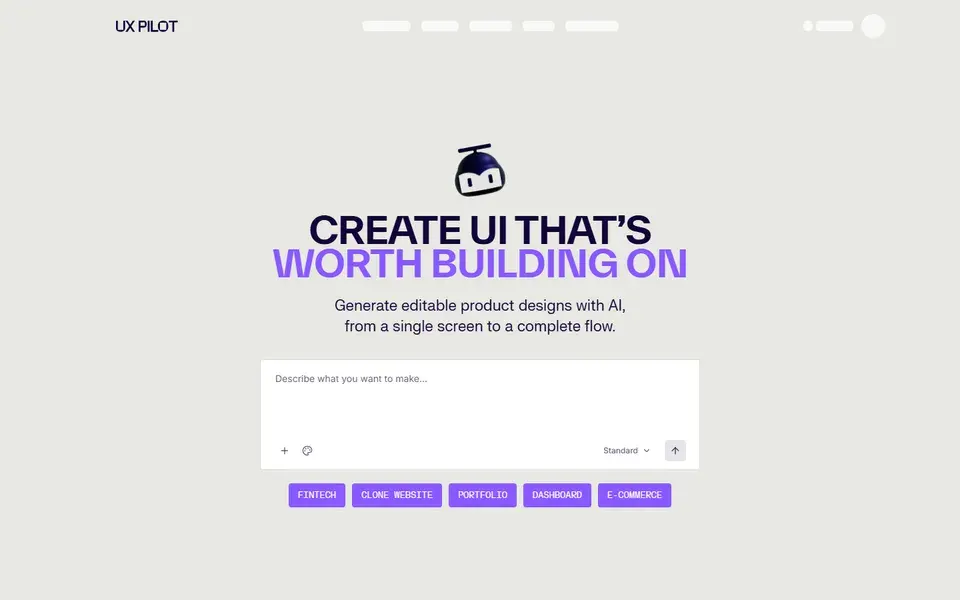
An AI design tool that turns sketches, screenshots or PRD text into editable wireframes, high-fidelity screens and full UX flows, with Figma and GitHub export.
ai-design
 uxpilot.ai
"AI design tool" covers three different products: UI generators that turn prompts into interfaces, AI code editors that refactor and build inside your codebase, and design-assistant layers that steer agents toward crafted output. This collection separates them so you can match the tool to the actual workflow — generating a first draft, shipping a product, or polishing what an agent produced.
30 resources in this category
30 resources
An AI design tool that turns sketches, screenshots or PRD text into editable wireframes, high-fidelity screens and full UX flows, with Figma and GitHub export.
uxpilot.ai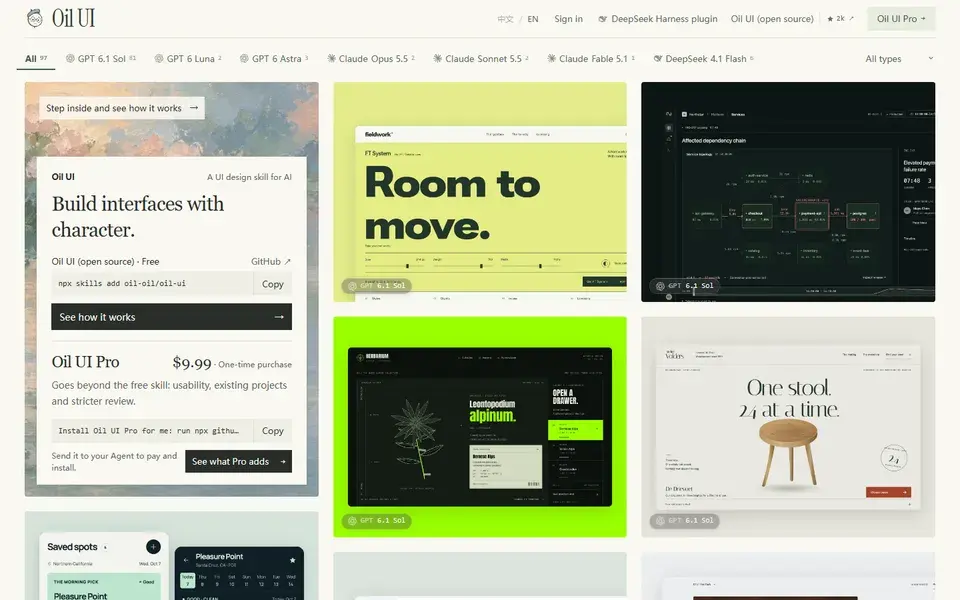
An MIT-licensed UI design skill for AI coding agents such as Claude Code and Codex, paired with a gallery of 106 finished interfaces showing the model and prompt behind each.
 ui.oiloil.org
Replit is a browser-based AI app and website builder: describe an app in chat and its agent writes, runs and hosts it.
Hosted app that turns any site URL into a DESIGN.md token file, pairing a viewport screenshot with scraped page copy for Claude to analyse.
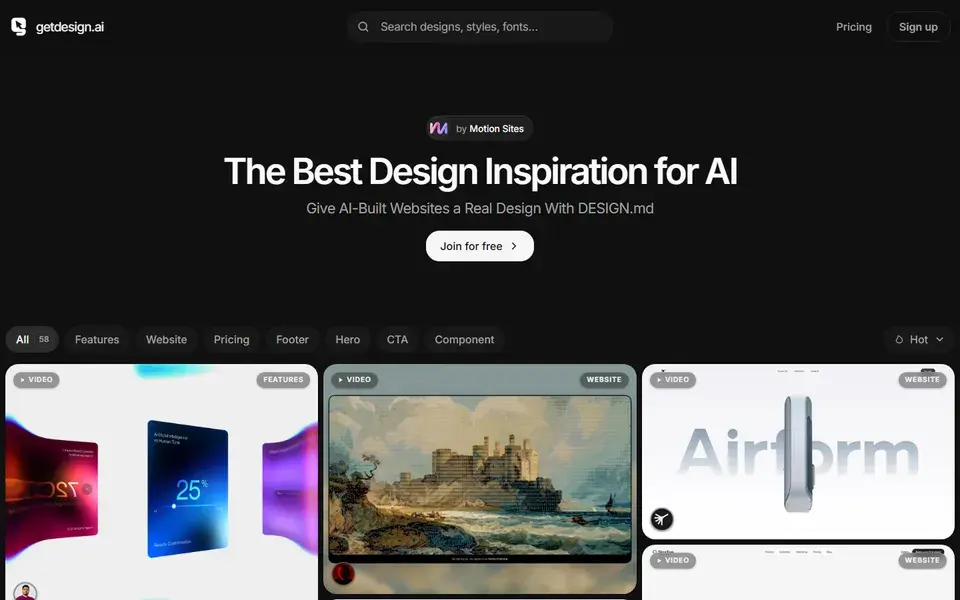
Library of DESIGN.md files describing real sites' colours, type, spacing and motion, written to be pasted into an AI coding agent.
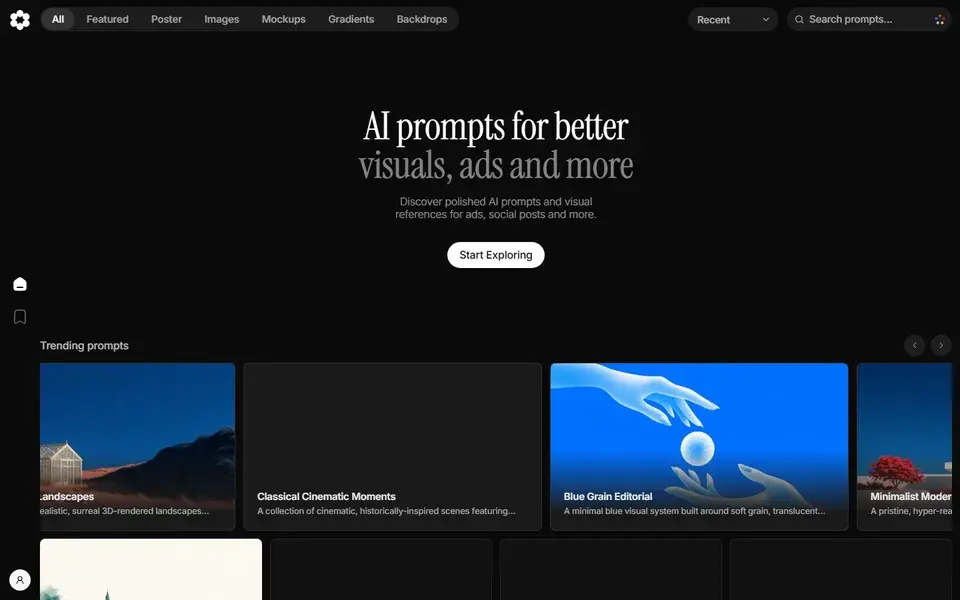
Catalogue of AI image prompts for mockups, illustrations, icons and backgrounds, with the full prompt text and a creator credit on every page.
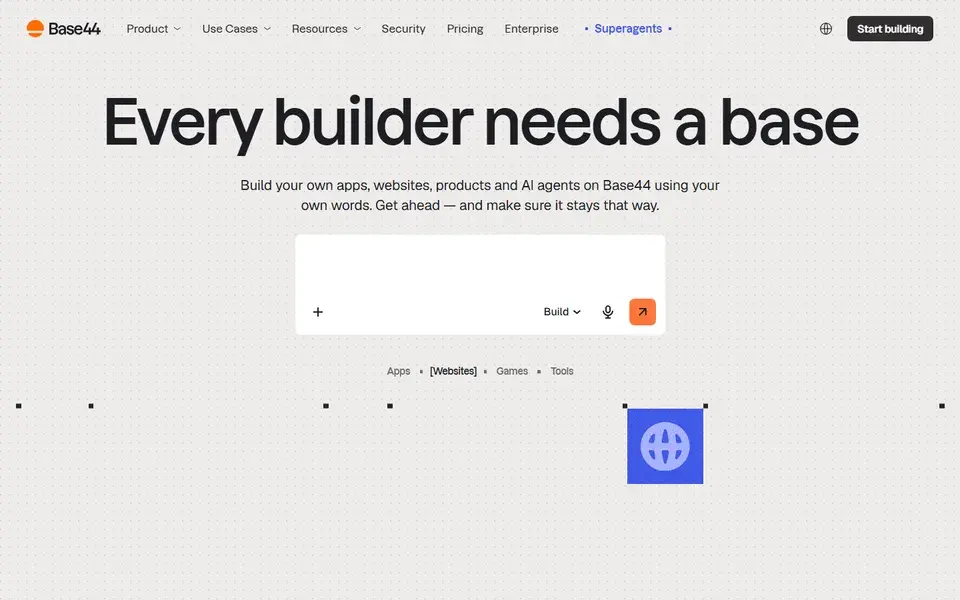
No-code AI platform that turns a written prompt into a working app or website with database, auth, payments and hosting already wired up.
 base44.com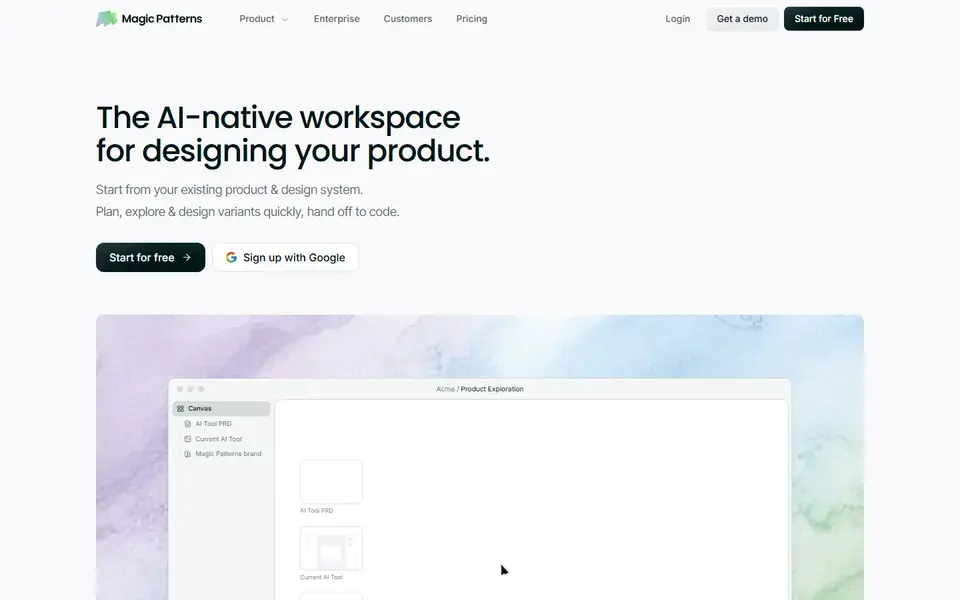
AI design workspace that turns a prompt, PRD or repo into high-fidelity UI styled by your own design system, ready to hand to a coding agent.
 magicpatterns.com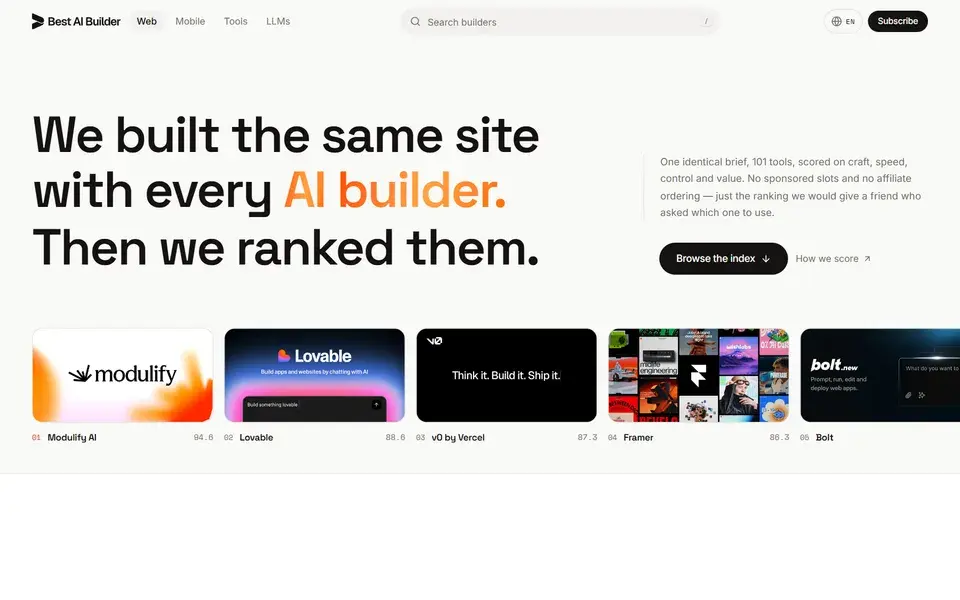
Independent index ranking 101 AI website builders on craft, speed, control and value, with one identical brief per tool and no sponsored slots.
 bestaibuilder.website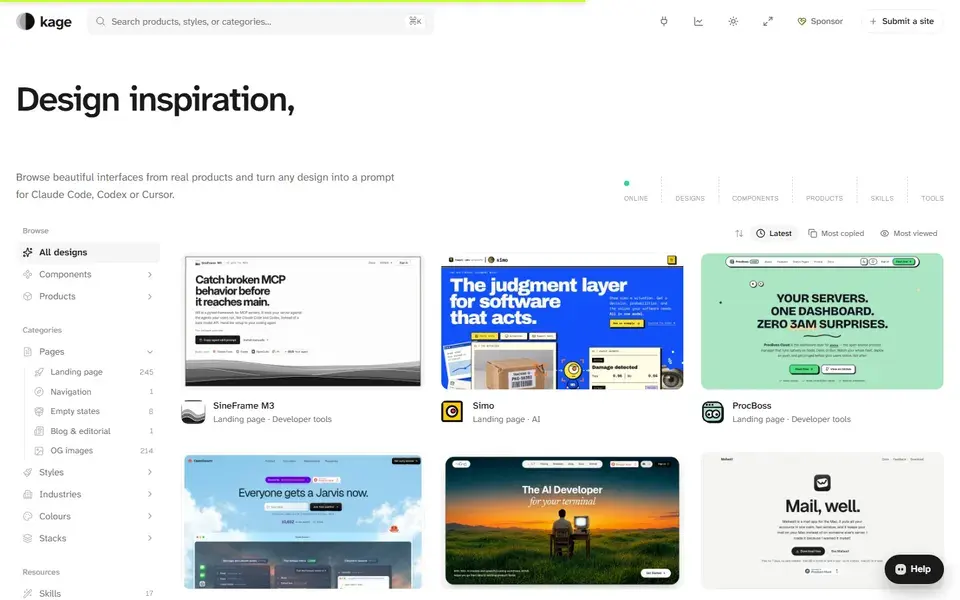
Design inspiration from real products, ready to build — browse 469 captured interfaces and turn any design into a prompt for Claude Code, Codex or Cursor.
 kage.design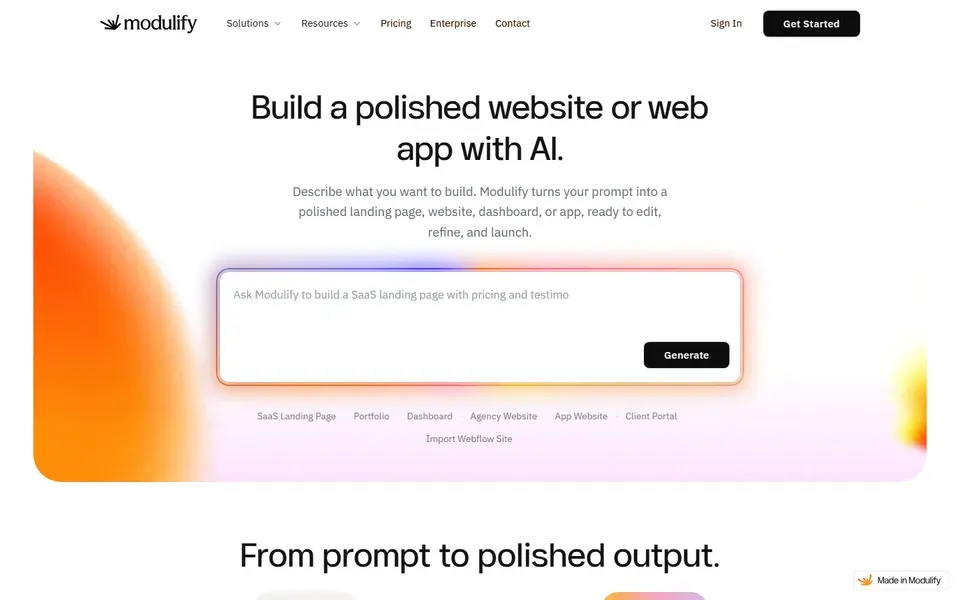
An AI platform that turns a prompt into a complete website or web app — layouts, copy, CMS, database, analytics and hosting, refined by chat.
 modulify.ai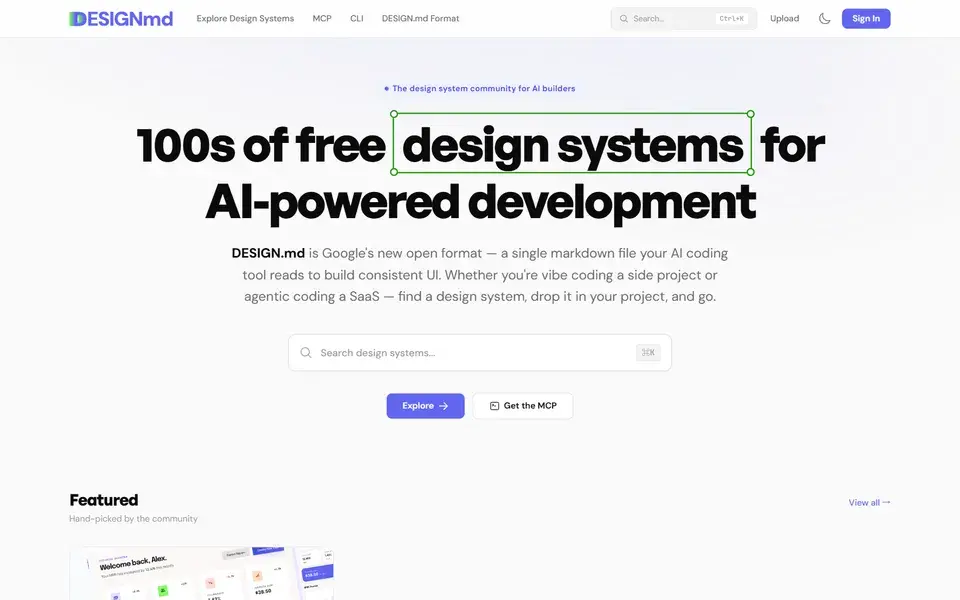
A free community gallery of DESIGN.md design systems — single markdown files that AI coding tools like Cursor and Claude Code read to build consistent UI.
 designmd.ai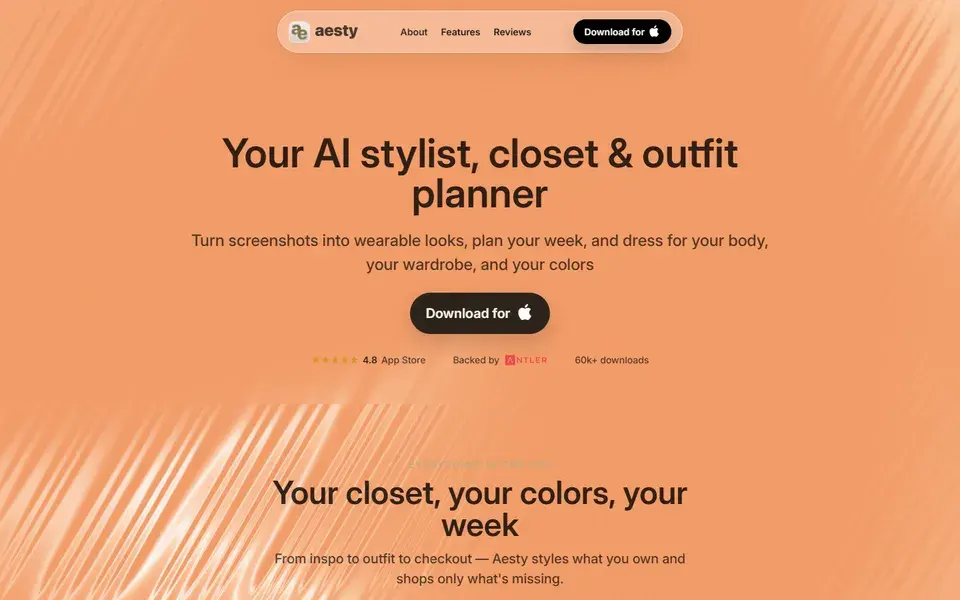
An AI stylist app that turns Instagram, TikTok, and Pinterest screenshots into wearable looks, with virtual try-on, closet organization, and weekly planning.
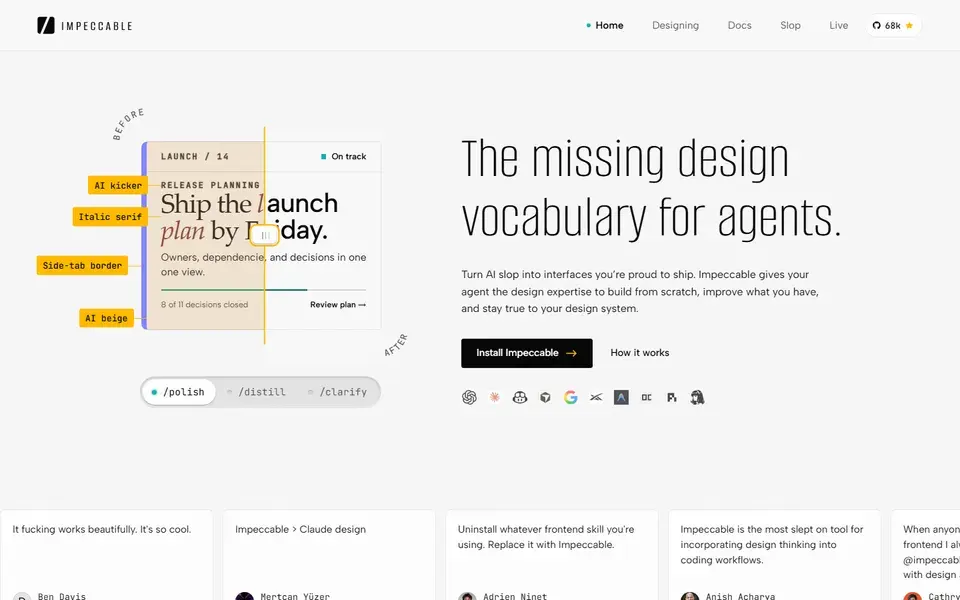
A free design skill for AI coding agents — Claude Code, Codex, Cursor and more. Gives your agent the design vocabulary to ship crafted UI instead of AI slop.
 impeccable.style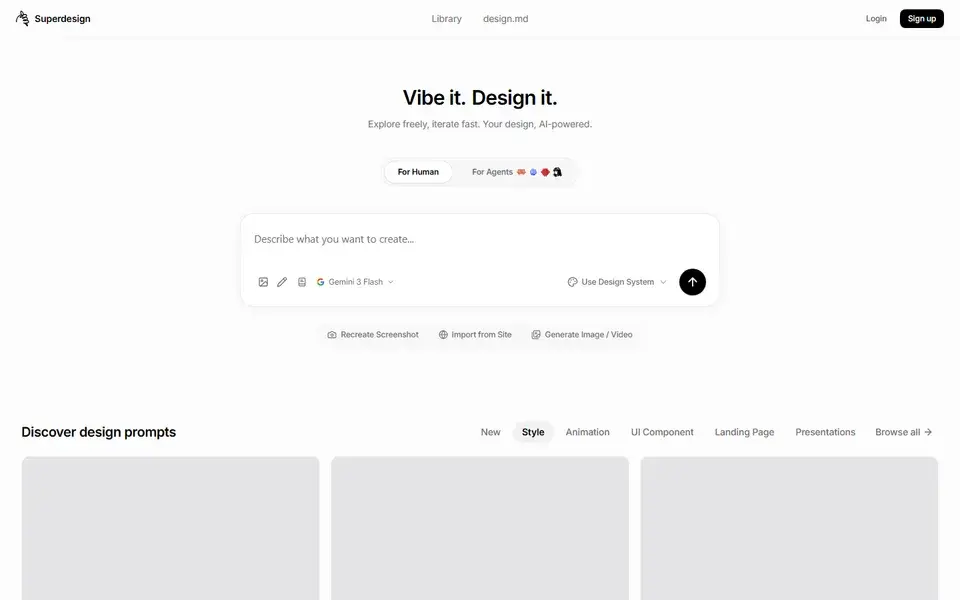
An AI design workspace with a remixable prompt library for landing pages, UI components and animation styles — with separate modes for humans and agents.
 app.superdesign.dev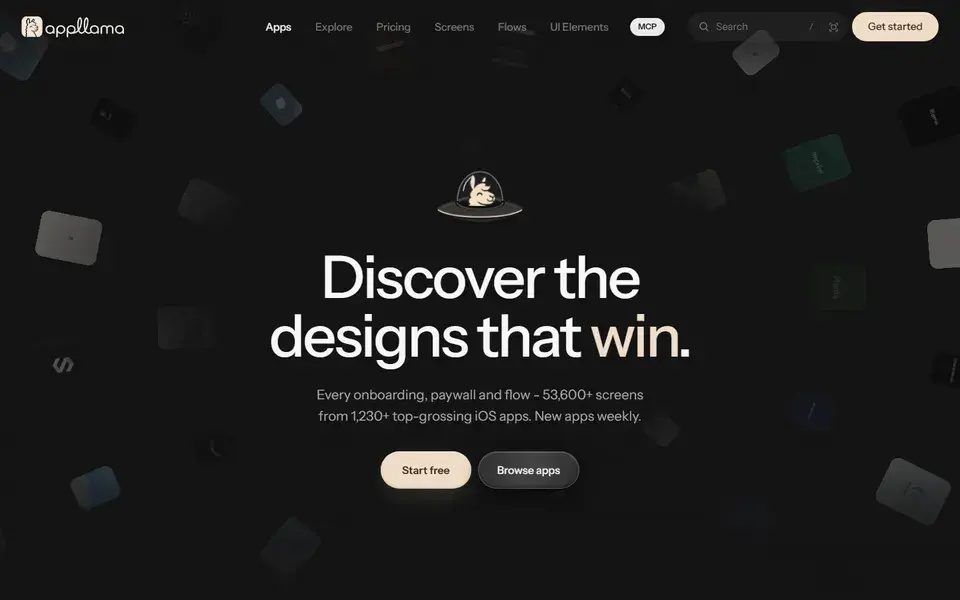
67,000+ screens from 1,480+ top-grossing iOS apps — onboarding, paywalls, and flows with revenue context — so you can study the designs that win.
 appllama.io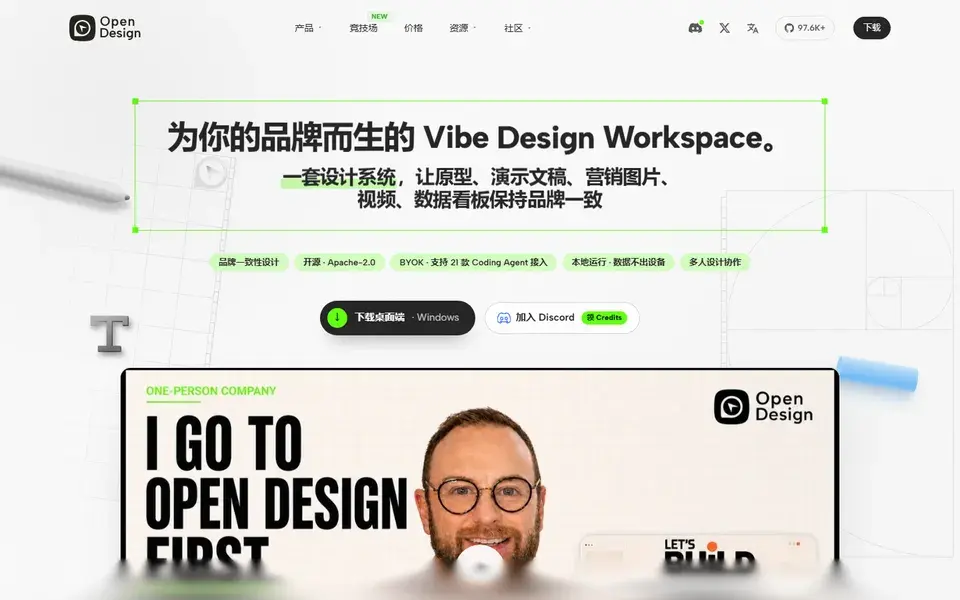
An open-source, collaborative design agent workspace: start from a brief, generate prototypes that follow your design system, then let your coding agent refine them with the team.
 open-design.ai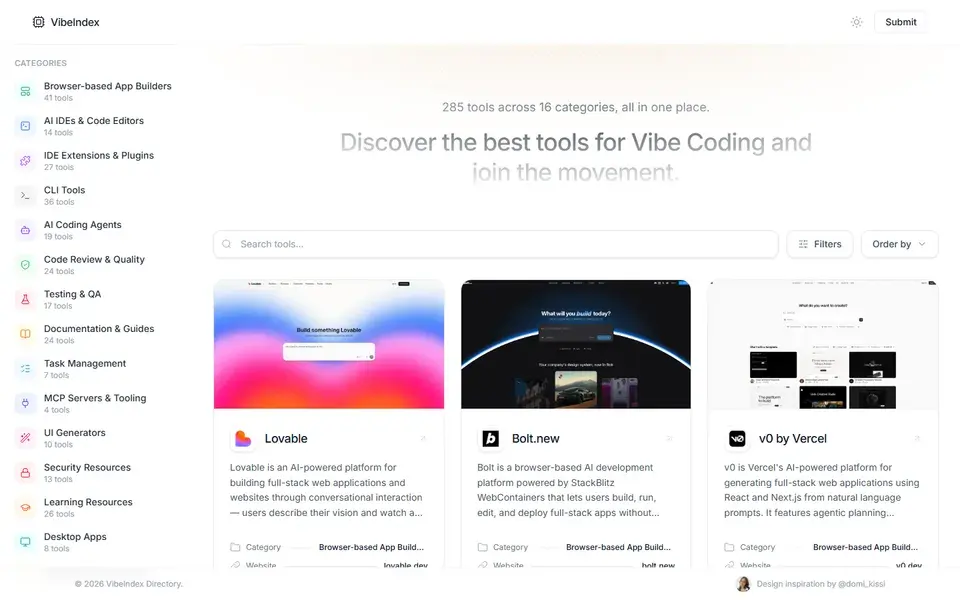
A curated directory of 285 vibe-coding tools across 16 categories, from browser-based app builders and AI agents to code review and testing.
 vibeindex.dev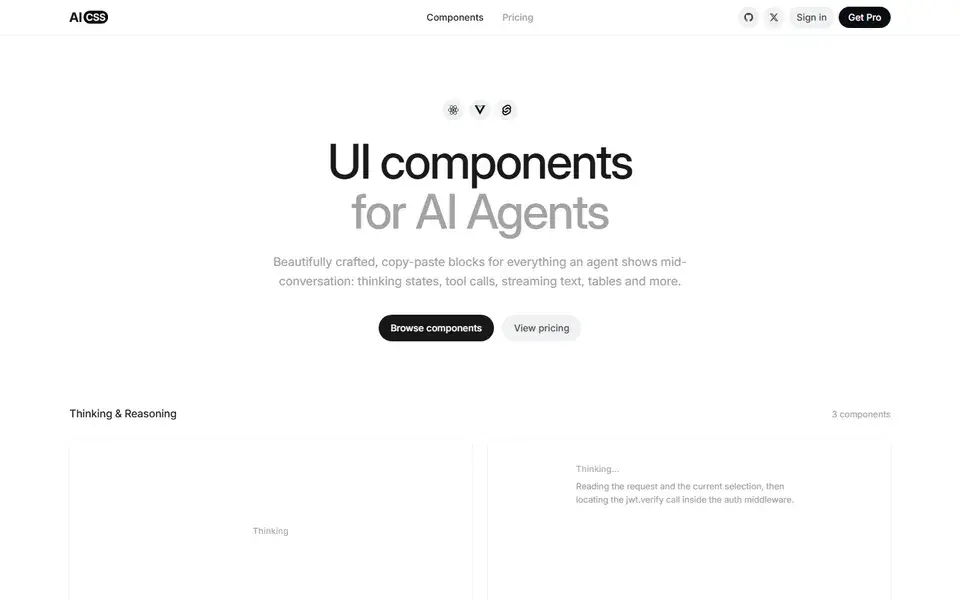
Beautifully designed, copy-paste UI components for AI agent conversations — thinking states, tool calls, streaming text, citations — in React, Vue, and Svelte.
 aicss.dev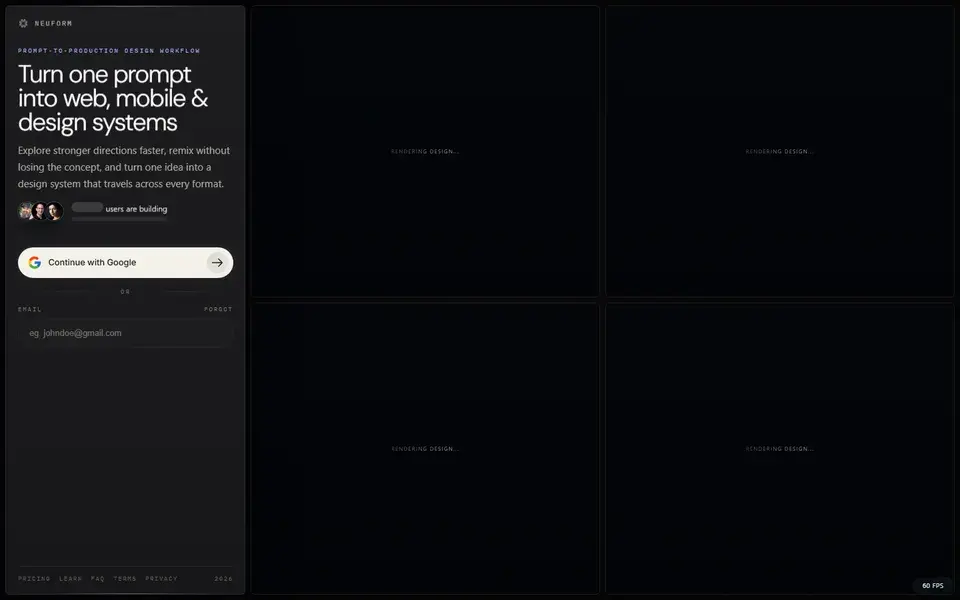
Turns prompts into AI-built HTML landing pages, remix templates and reusable DESIGN.md files for agent-ready design systems.
 neuform.ai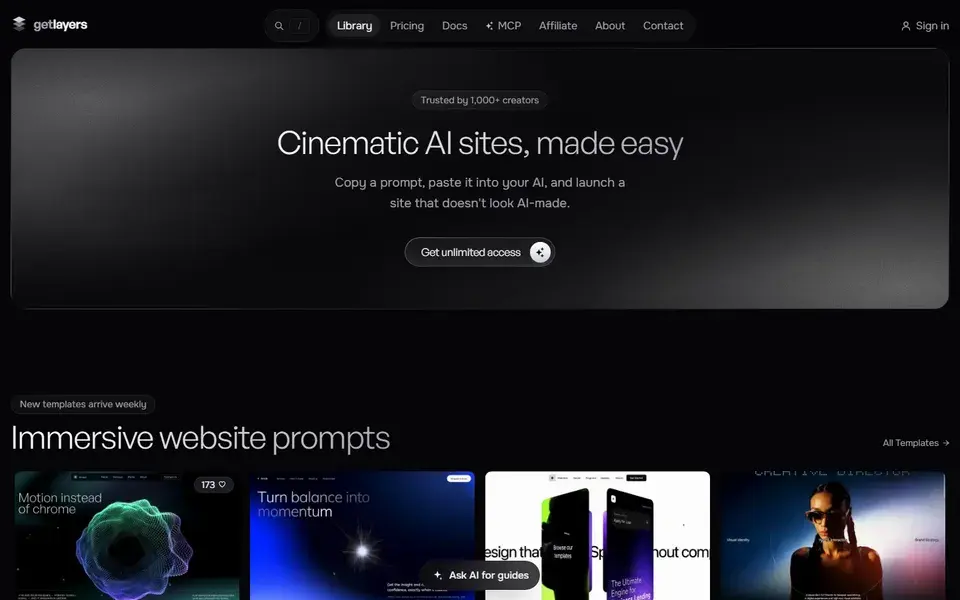
An AI-native library of cinematic web templates, 3D WebGL scenes and animated gradients — each one copyable into your AI tool as a single prompt.
 getlayers.ai
Google Flow — the AI creative studio built on Google's generative models, for generating and editing video, images and custom creative tools.
 labs.google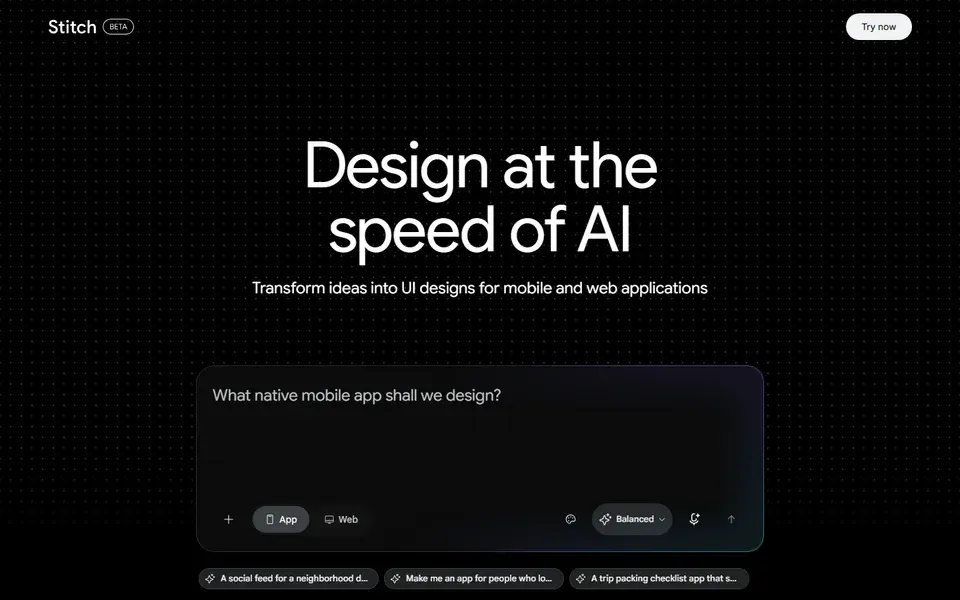
Google's experimental AI UI designer — describe the app you want and Stitch drafts editable UI designs for mobile and web, at the speed of AI.
 stitch.withgoogle.com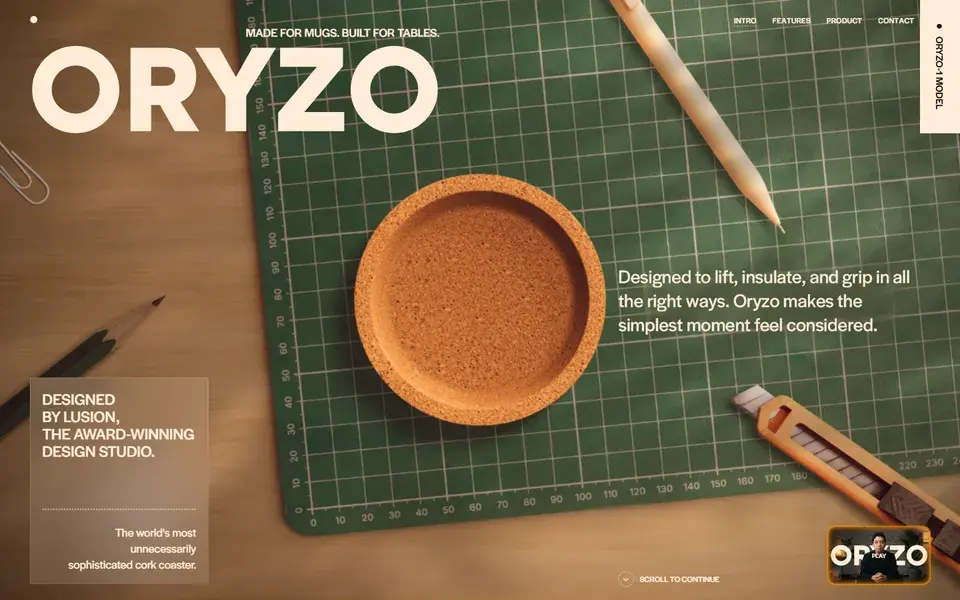
Lusion's self-aware promotional site for a cork coaster, staged as an over-the-top AI product launch with interactive gags and studio-grade motion design.
 oryzo.ai
Check what the tool actually emits and where it lands in your workflow: React and Tailwind code you can paste into a repo, a hosted full-stack app, or designs for handoff. A UI generator that outputs shadcn/ui conventions (v0) fits an existing Next.js codebase; a hosted app builder (Lovable) fits greenfield MVPs where you do not maintain the code yourself.
Ask who owns the generated code and how it escapes the tool. Editors like Cursor work inside your repository, so every AI change goes through your git workflow. Hosted builders export or sync to GitHub, but platform lock-in grows the longer you stay. If the code must outlive the tool, prefer outputs in standard React and Tailwind over proprietary formats.
AI output needs review regardless of the demo. Generated UI should be checked for accessibility (keyboard navigation, contrast, focus order), responsiveness beyond the viewport in the demo, and whether the code matches your project's conventions. Tools that expose design-system files or run checks in your repo make this review systematic instead of ad hoc.
Vercel's generative UI tool: prompts become React and Tailwind code following shadcn/ui conventions, with direct deployment to Vercel. Best fit for Next.js teams prototyping real interfaces — review the generated code like any pull request.
Conversational full-stack app builder that turns prompts into deployed applications with database and GitHub sync. Suited to founders and indie hackers shipping an MVP fast — plan for a code review pass if the app will grow beyond a prototype.
AI-first code editor built on VS Code: codebase-aware chat, multi-file edits and agent mode. The pick when AI should work inside your existing repository and review process rather than generate standalone artifacts.