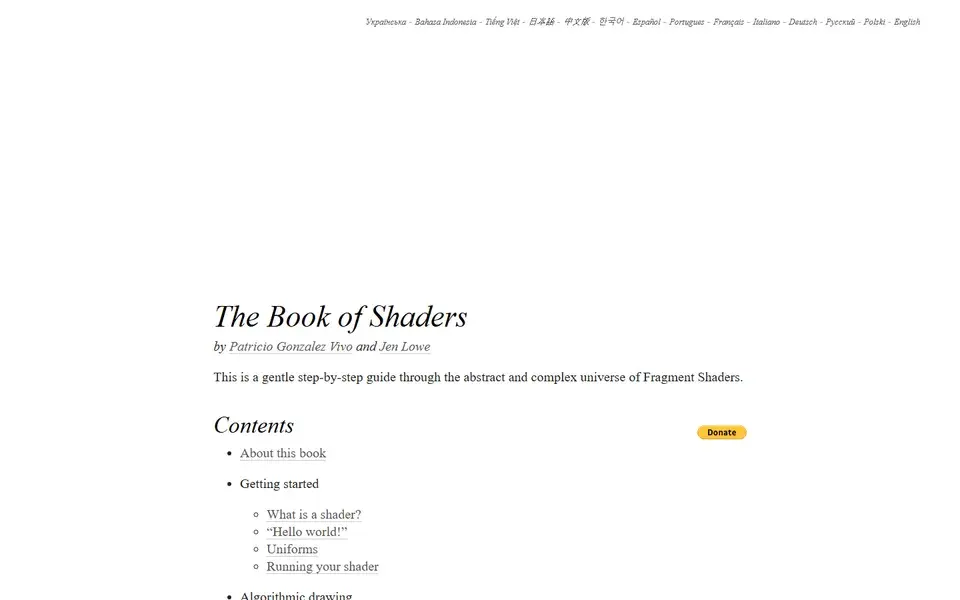
The Book of Shaders is an online, chapter-by-chapter guide to GLSL fragment shaders with editable examples in every section.
guides
 thebookofshaders.com
kitset.app
Compare seven web-based image compressors by file formats, free allowances, batch workflow, and how they handle your files.
Kitset brings seven image-compression options into one comparison, including Squoosh, TinyPNG, and Photopea. Its table is useful when the decision depends on batch limits, a particular output format, or whether the provider says processing happens on the device. Source checks are dated and link out to provider documentation.
The guide also includes downloadable test images and WebP outputs from Squoosh and Compress or die. The checks cover two sample images and record file sizes, dimensions, and transparency, so you can reproduce that limited comparison before testing your own assets.
RefTrove editorial review ·
We read the Kitset compress-images task page, About, Plans and Listing terms pages in a browser on November 21, 2026, without signing in. We did not open the downloadable sample files, rerun the recorded Squoosh or Compress or die exports, or visit the provider pages that Kitset cites.
The page header counted 7 websites, 0 scored evaluations and 2 sample-tested. Squoosh and Compress or die carry a Sample tested label with no overall score, TinyPNG, iLoveIMG, FreeConvert and Photopea are marked Editorial order, not tested, and ZIPZAX reads Not evaluated yet. The About page says a performance score needs a separate dated evaluation, and that checking a provider's description does not establish output quality. The numbered order is therefore a reading order, not a ranking of results.
The sample test, recorded October 29, 2026, used a 1200 x 800 JPEG of 434,555 bytes and an 800 x 600 PNG of 9,566 bytes, exported as WebP at quality 75 with Squoosh at effort 4. Both tools produced a 125,542-byte file for the JPEG, with identical SHA-256 hashes. The PNG became 6,970 bytes in Squoosh and 6,916 in Compress or die, both keeping dimensions and alpha. The page says this was a desktop pilot and that it did not capture network traffic.
On the comparison table, TinyPNG shows up to 20 images at 5 MB each in its free upload box. iLoveIMG shows a Basic plan of 30 images and 200 MB per task. FreeConvert shows 1 GB with 20 conversion minutes a day and 5 minutes per file. Squoosh, Photopea and Compress or die are marked as having no confirmed fixed file ceiling. Source checks are dated October 21, 2026, and ZIPZAX is dated October 28, so these figures should be re-read on each provider's pricing page.
The Plans page offers a free listing with nofollow links and a $9.90 one-time lifetime listing with a direct dofollow link, paid through PayPal. Both pages say paying does not raise a task score or the recommendation order. The Listing terms add that Google's policies call for paid links to be marked sponsored or nofollow, so a plain paid dofollow link carries search-policy risk. The badge submission option closed on October 30, 2026. Official-source citations for third-party sites stay nofollow.
The Book of Shaders is an online, chapter-by-chapter guide to GLSL fragment shaders with editable examples in every section.
thebookofshaders.com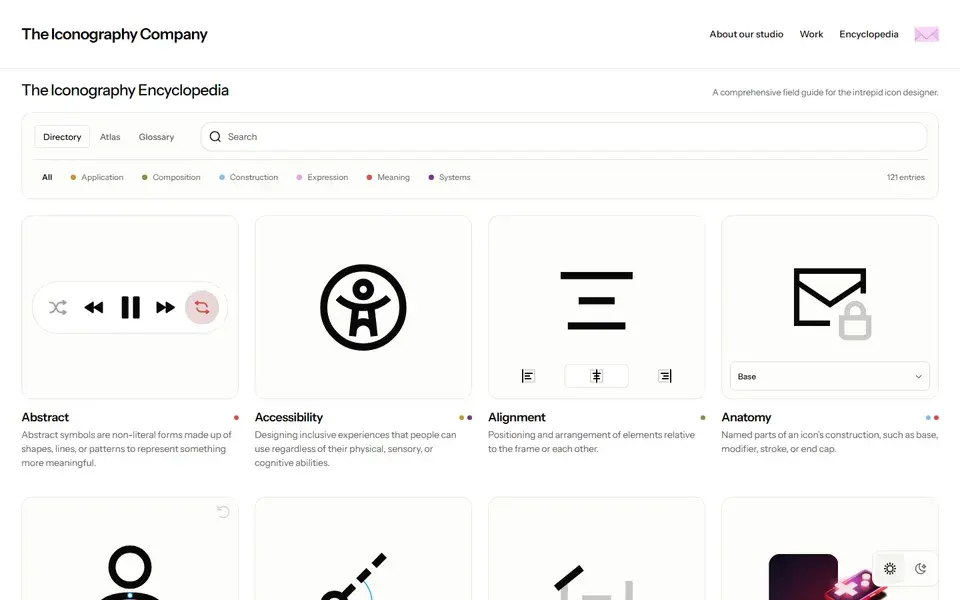
The Iconography Encyclopedia is an A–Z field guide to icon design terms, from anatomy and apex to stroke weight and wayfinding.
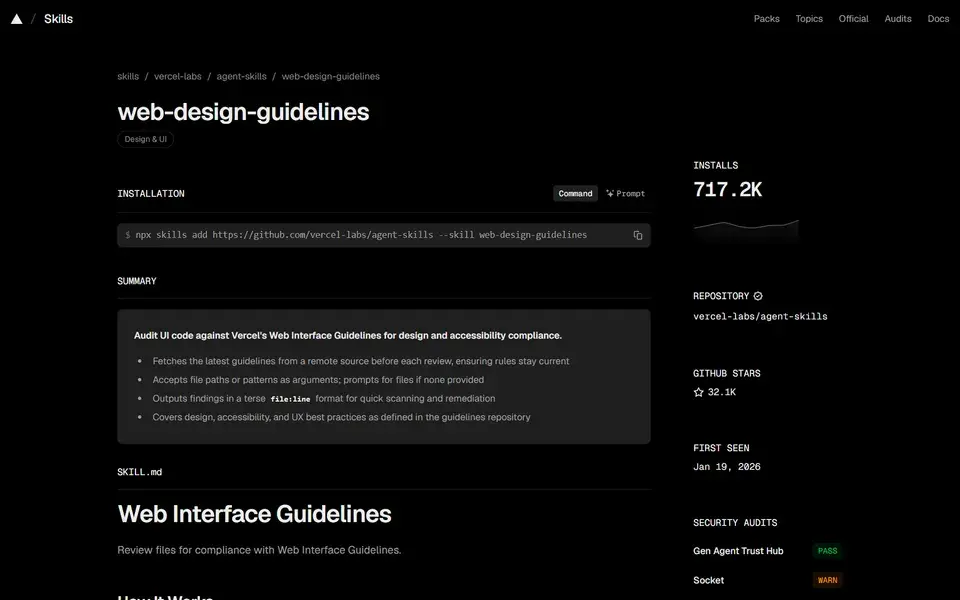
Vercel Labs' open-source agent skill that reviews UI code against Web Interface Guidelines — accessibility, interaction, and UX checks applied automatically in AI coding workflows.